Your route, in context.
Search a place, drop a pin, or choose your current location. Explore real driving alternatives from Apple Maps before choosing a route.
 TripWeather.
Not just the weather where you start. See what’s forecast along your drive, at the time you expect to get there.
Made for iPhone · iOS 18 or later
FOR THE ROAD AHEAD
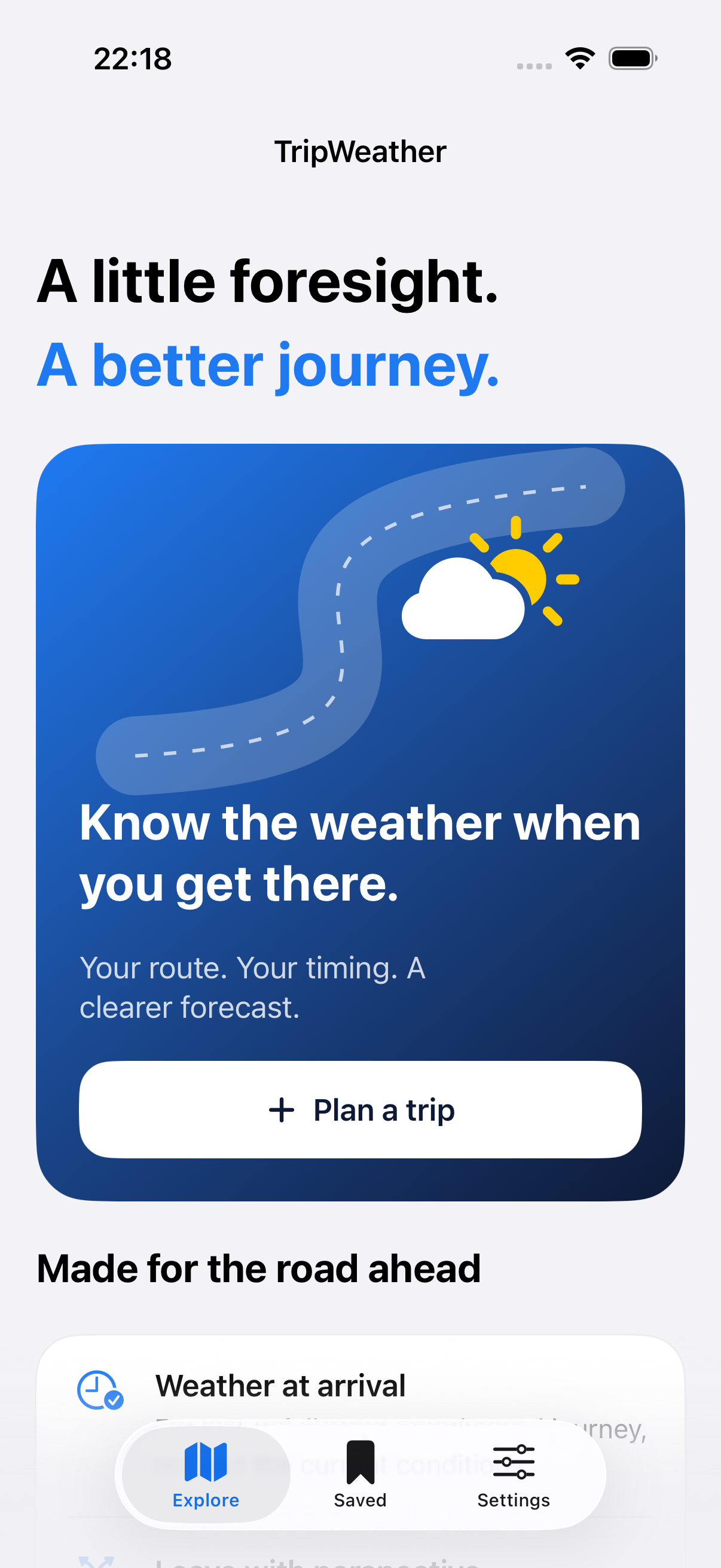
A trip is a line through places and time. TripWeather brings both into the forecast.
Search a place, drop a pin, or choose your current location. Explore real driving alternatives from Apple Maps before choosing a route.
Hourly Apple Weather forecasts are matched to estimated arrival at sampled points. The exposure score explains what the forecast means along the way.
No account, no tracking SDKs and no developer-operated trip server. Save plans on your iPhone and refresh them before leaving.
PLACE + TIME
A useful forecast follows your estimated schedule, including a planned midpoint rest. Here is the idea, without pretending to know tomorrow’s traffic.
Estimated arrival
A conceptual ETA diagram, not a live route or weather forecast.
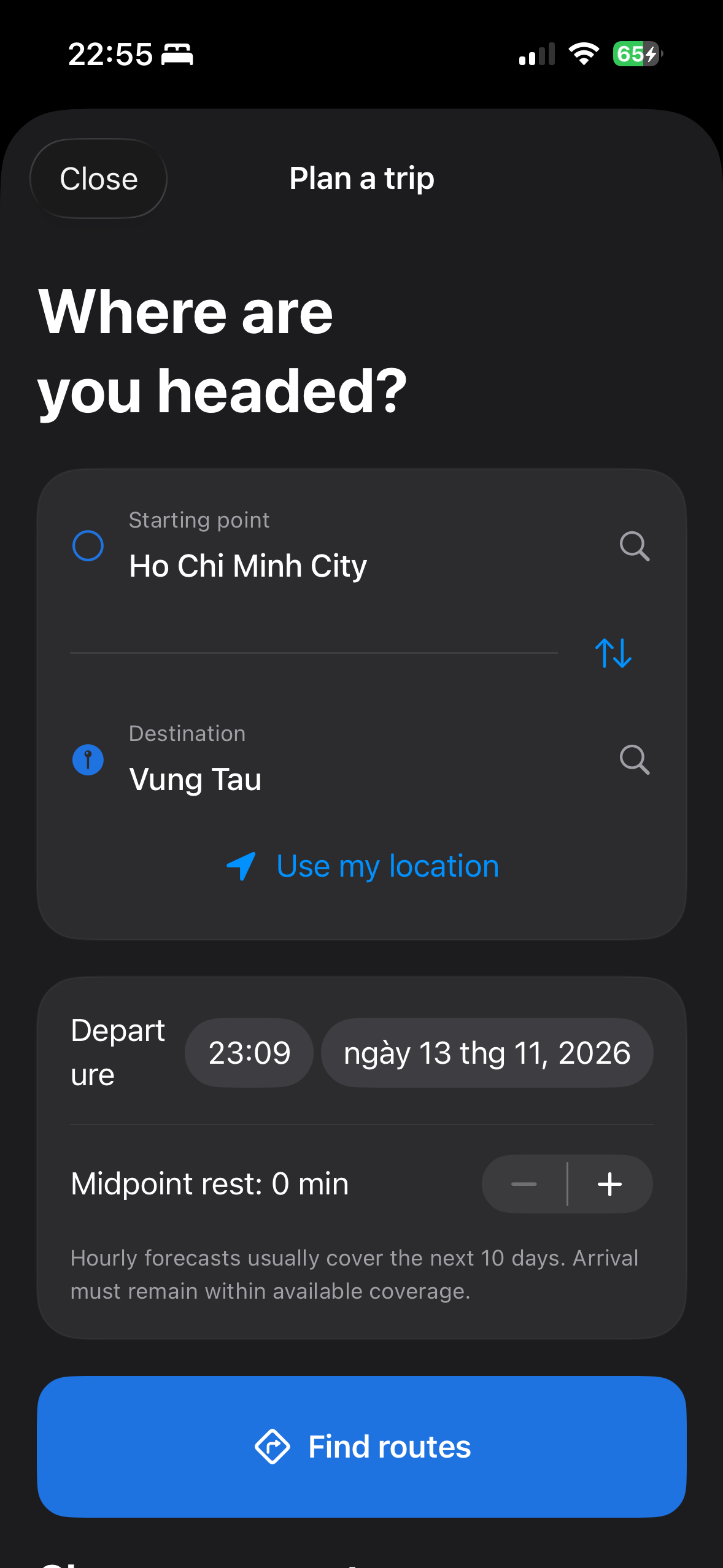
Set a start, a destination and a future departure. Pick from the routes Apple Maps can provide.
TripWeather samples the route by distance and uses MapKit’s total travel estimate, allocated across route steps. A rest adds an explicit delay.
Each point uses the forecast for its estimated arrival instant. Missing or out-of-range values stay Unknown.
Compare departure windows by forecast exposure and confidence. Save the plan, check official advisories, and open Apple Maps when you’re ready.
A LITTLE MORE PERSPECTIVE
Start with the full route-weather experience. Pro gives frequent planners more departures, more detail and more saved journeys.
$0to get started
ONE PRO MEMBERSHIP
$2.99per month
Available in the iPhone app at launch ↗
US reference prices: $2.99 monthly or $14.99 yearly, auto-renewing. The App Store shows the actual local price before purchase. Forecast coverage and fair usage limits apply. No free trial is included.
Cancel or manage in your Apple Account settings. Restore Purchases is available in the app.
GOOD TO KNOW
TripWeather 1.0 is being prepared for the App Store. This is the official product website; the iPhone app is not yet publicly available.
Driving routes and maps come from MapKit / Apple Maps. Hourly forecasts come from WeatherKit / Apple Weather. No additional paid weather or routing API is required.
No. Weather forecasts and the exposure score are advisory. TripWeather does not detect actual flooding, icy roads, landslides, closures or accidents, and is not an official alert or navigation service.
Saved trip plans remain on your phone. A small, temporary in-memory weather cache can be reused while fresh, but the app does not provide downloadable offline forecasts. Missing data is labeled Unknown, coverage and confidence are shown, and you can retry.
The app uses MapKit’s route ETA and allocates it by route-step distance. It adds the rest duration you choose at the midpoint. Actual traffic, driving speed and stops may differ. Comparisons keep the selected route and duration fixed.
Yes. Search for an address or place a map pin. Location permission is requested only when you choose Use my location. Approximate foreground location is enough; background tracking is not used.
Arrival calculations use absolute UTC instants, including across daylight-saving changes. Place time zones are used when available. Intermediate points show labeled UTC until you tap to resolve local time.
No developer trip server or account is used. Plans live in SwiftData on your iPhone. System device backups may contain them. You can delete plans and clear temporary weather in Settings.
TripWeather 1.0 targets iPhone with iOS 18 or later. The interface supports English and Vietnamese, light and dark appearance, Dynamic Type and VoiceOver labels.
Read the support guide or email dangvanhai13091989@gmail.com. Include app/iOS version and a short description; avoid sharing precise home addresses or sensitive trip details.
Choose your route. Check the forecast. Leave with more perspective.
Back to the app overview